

How to Renovate a Home Office for Productivity and Comfort
A dedicated workspace has become an essential part of many homes. Whether you work remotely every day or occasionally need a quiet place to focus, a thoughtfully renovated home office can improve productivity, reduce distractions, and create a healthier work environment. Many existing home offices were never designed for long-term daily use. Poor lighting, uncomfortable furniture, inadequate storage, and disorganized technology often make work more difficult than it needs to be. The good news is that these challenges can be solved with smart renovation strategies that prioritize both comfort and efficiency.The Problem
PROBLEM:An outdated or poorly planned home office reduces productivity, creates unnecessary distractions, and can lead to physical discomfort during long workdays.
Many homeowners try to work from spare bedrooms, dining tables, or unused corners without considering workflow or ergonomics. As equipment, paperwork, and cables accumulate, the workspace quickly becomes cluttered and inefficient.
Some of the most common issues include:
- Poor room layouts that interrupt workflow
- Insufficient storage for office supplies
- Inadequate lighting that causes eye strain
- Excessive household noise
- Uncomfortable furniture
- Limited electrical outlets and cable management
- Video conferencing backgrounds that appear cluttered
Before
- Cluttered workspace
- Poor lighting
- Visible cables
- Limited storage
- Frequent distractions
After
- Organized workstation
- Layered lighting
- Hidden cable management
- Dedicated storage zones
- Comfortable work environment
Why It Happens
Home offices often evolve gradually rather than being intentionally designed. Furniture from other rooms, temporary desks, and limited storage solutions rarely support full-time work. Technology has also changed dramatically. Multiple monitors, video conferencing equipment, charging stations, printers, and networking devices require careful planning that many older spaces simply cannot accommodate.PROBLEM:Many home offices prioritize available space instead of designing around how people actually work every day.
Additional contributing factors include:
- Poor natural light access
- Insufficient HVAC airflow
- Lack of acoustic separation
- Minimal storage planning
- No dedicated work zones
- Outdated electrical systems
Common Mistakes
One of the biggest renovation mistakes is focusing entirely on appearance while ignoring functionality. Beautiful furniture cannot compensate for poor ergonomics or inadequate lighting. Another common error is placing the desk wherever space is available without considering natural light, camera angles, or traffic flow through the room.PROBLEM:Design decisions made without considering daily workflow often create frustration long after the renovation is complete.
Common renovation mistakes include:
- Buying furniture before measuring the room
- Ignoring ergonomic chair and desk height
- Using a single overhead light
- Leaving cables exposed
- Skipping storage planning
- Overcrowding small offices
- Neglecting sound control
- Installing too few electrical outlets
BeforeThe office feels crowded, equipment is scattered, and productivity suffers because every task requires unnecessary movement or searching.
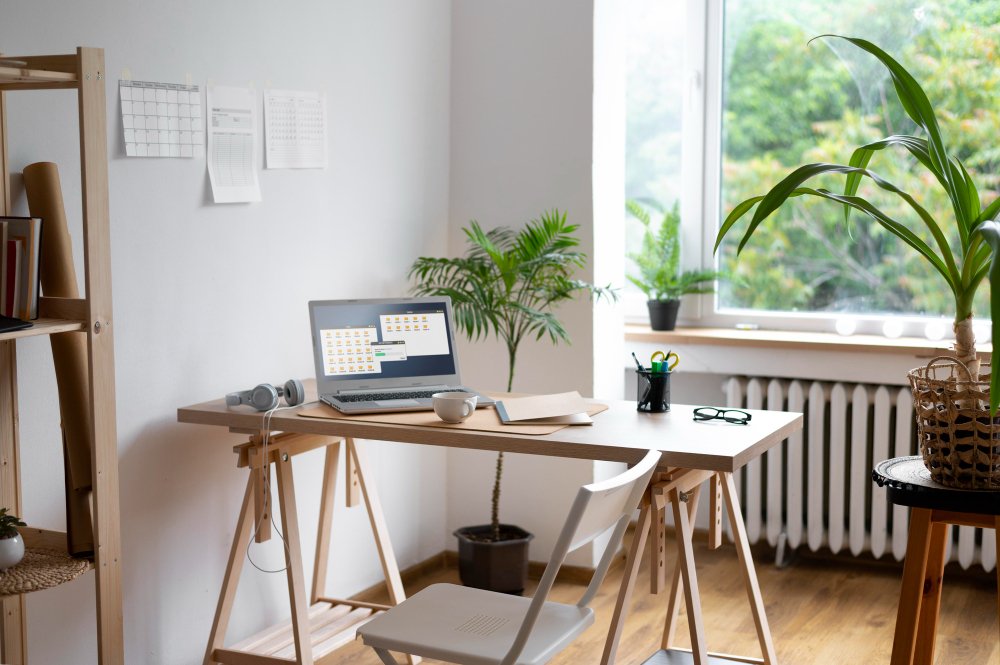
AfterEvery item has a designated location, lighting supports focused work, and technology is neatly integrated into an organized workspace.
The Solution
SOLUTION:Design the home office around workflow, comfort, organization, and long-term flexibility instead of simply filling an available room with furniture.
Begin by dividing the room into practical work zones. A dedicated desk area, organized storage, equipment charging station, and reference space make daily tasks more efficient while reducing clutter.
Layered lighting should combine natural daylight, overhead LED fixtures, and adjustable task lighting to reduce eye fatigue throughout the day.
SOLUTION:Invest in ergonomic improvements before decorative upgrades. Comfort directly affects productivity.
Recommended upgrades include:
- Height-adjustable desks
- Ergonomic office chairs
- Built-in cabinetry
- Floating shelves
- Cable management systems
- Acoustic wall treatments
- Smart lighting controls
- Improved ventilation
- Professional video conferencing backgrounds
Best Practices
A successful home office renovation balances appearance with daily performance. Every design decision should support concentration, organization, and long-term comfort.SOLUTION:Create a workspace that supports how you actually work—not just how the room looks.
Follow these best practices during your renovation:
- Position the desk near natural light without creating screen glare.
- Choose adjustable ergonomic furniture.
- Install layered lighting instead of relying on one fixture.
- Use vertical storage to maximize floor space.
- Hide electrical cords whenever possible.
- Add soft furnishings to improve acoustic comfort.
- Maintain a neutral, uncluttered video conference background.
- Improve airflow with proper HVAC ventilation or air purification.
- Plan for future technology upgrades.
- Keep decorative items balanced so they inspire rather than distract.
BeforeA temporary workspace struggles with clutter, poor lighting, and uncomfortable furniture that limits productivity.
AfterA carefully planned office supports focus, encourages organization, and creates a comfortable environment that remains productive throughout every workday.